
Welcome to the new Pontotel Workforce Management App - Beta V2.8
Now with geolocation, making your app more secure!
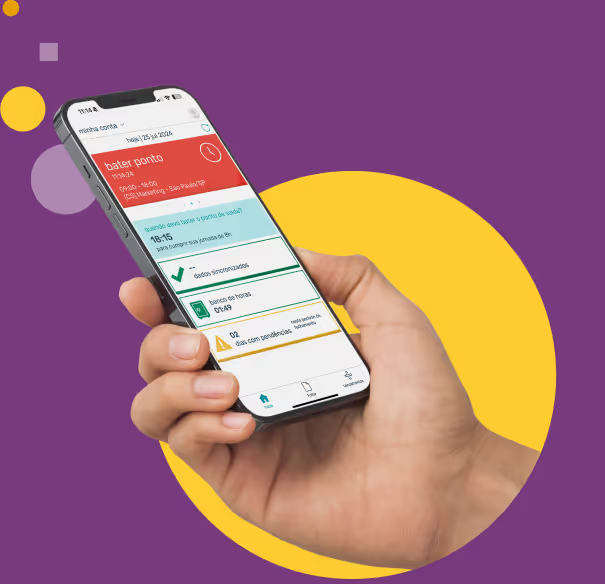
Before downloading the new Pontotel Workforce Management app, don't forget to:
- 1 Sync the app before uninstalling to ensure all updates and time punches are saved.
- 2 Uninstall the current version of the Pontotel Management App (if any).


For Android users:

- 1. Scan the QR Code or click the button below and accept the test program invitation on your device;
- 2. In the Play Store, search for "Pontotel Gestão" and click on the purple app icon;
- 3. Make sure it says "Pontotel Gestão (Beta)" in the app name;
- 4. Click install;
- 5. Open and configure the app as instructed by the implementation team (enter your email and user password);
- 6. Done! Now just use it in your normal work routine.

For iOS users:

- 1. Scan the QR Code or click the button below to access Apple's TestFlight on your device;
- 2. Click install;
- 3. Configure the app as instructed by the implementation team (enter your email and user password);
- 4. Done! Now just use it in your normal work routine.
Your feedback is valuable!
We want to hear from you! Send any issues found to your manager and we will address them as soon as possible.